Blog · Comparisons
Offline form vs contact form: what is the difference?
A contact form sends a message to a mailbox, usually as an email. A chat's offline form takes the same kind of message when nobody is online, but keeps it in the chat inbox as a conversation, next to your live chats. Use a contact form for longer, structured requests, and let the offline form catch quick questions while you are away.
By TalkMerlin
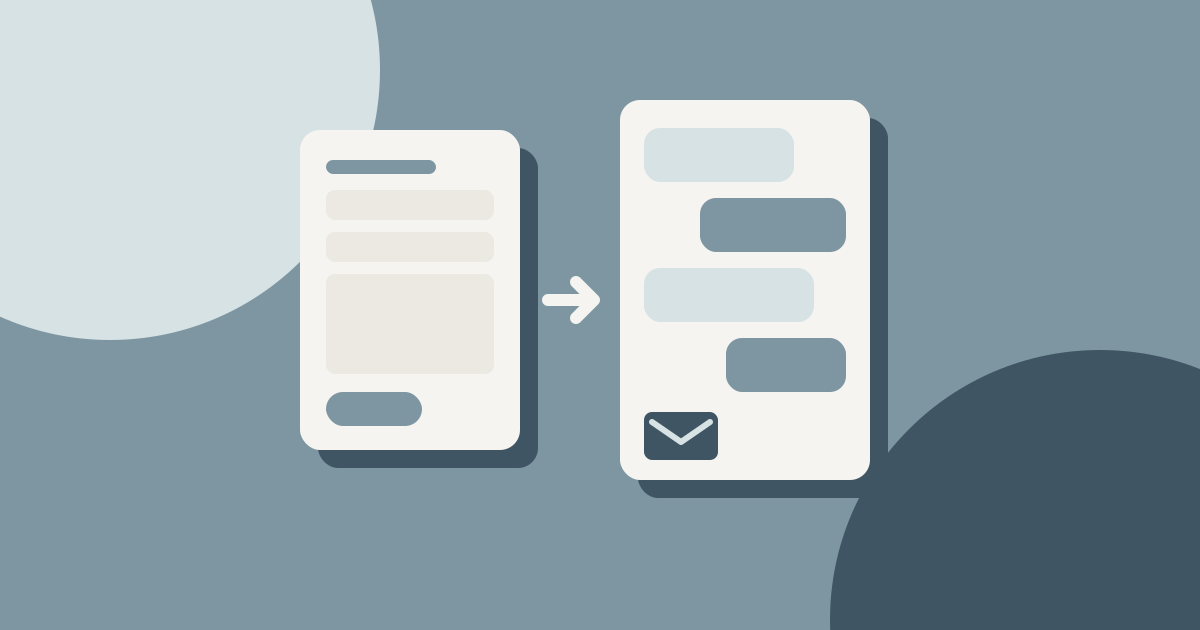
Two forms that look alike
Both ask for a name, an email address and a message. The difference is where the message goes, and what happens after you reply.
| Aspect | Contact form | Chat offline form |
|---|---|---|
| Where it lives | A page of its own, such as /contact | Inside the chat window, on every page |
| When it shows | Always | When nobody is online, or outside opening hours |
| Where the message goes | Usually an email to a shared mailbox | The chat inbox, as a conversation |
| Your reply | From a mail app, often outside your website tools | From the inbox, or by replying to the alert email |
| Fields | As many as you need | Name, email and message |
Why one place matters
A contact form usually sends an email to an address such as info@. There it sits between invoices, newsletters and spam, and nobody can tell whether a colleague already answered. A message from a chat's offline form lands in the same inbox as your chats, as a conversation that is open until someone deals with it. Anyone on the team can see it is waiting and answer it.
The thread stays together as well. In TalkMerlin, your reply reaches the visitor by email. If they answer that email, their answer lands back in the same conversation, not in one person's mailbox.
Email suits both sides. Eurostat found that 82% of people aged 16 to 74 in the EU sent or received emails in 2025, the same share as used instant messaging. An offline form gives visitors a chat when you are there and an email thread when you are not, and keeps both in one conversation on your side.
Short forms get finished
Every extra field is a reason to stop. The Baymard Institute found that 17% of US online shoppers have abandoned an order because the checkout was too long or complicated. The average US checkout shows 14.88 form fields by default, where an ideal one can manage with 7 to 8. A checkout is not a contact form, but the lesson carries over: ask for what you need to answer, and nothing more.
TalkMerlin's offline form asks for three things: name, email and message, with a line saying the message and email are kept only to reply. It also has two quiet checks against bots: a hidden field that people never see, and forms sent within 3 seconds of appearing are ignored.
When a contact form fits better
- Structured requests. Quotes, bookings and applications need fields such as dates, a budget or an address.
- Documents. The offline form is text only. During a live chat, visitors can send files up to 10 MB, but a request that always comes with plans or documents fits a form built for it.
- Routing. A form can send sales, support and billing to different teams.
- A page people look for. Some visitors want a contact page with your address and phone number, chat or no chat.
When the offline form fits better
- Quick questions. Do you deliver on Saturdays? That is not worth a trip to the contact page.
- Out of hours. The visitor stays on the page they were reading and asks there.
- Small teams. Live chats and messages left while you were away sit in one list, with one way to answer. See what happens when nobody is online.
Using both
Most small sites can keep both. Leave the contact page for structured requests, and let the chat cover quick questions: live during your opening hours, as an offline form the rest of the time. In TalkMerlin, offline-form messages do not count towards the Free plan's 50 conversations a month, and you can reply to them from your email. The features page has the rest.
Questions people ask
Do I still need a contact page if I have a chat?
Usually yes. Some visitors look for a contact page with your address and phone number, and requests such as quotes fit a form with more fields. Let the chat handle the quick questions.
Where do offline form messages go in TalkMerlin?
Into the TalkMerlin inbox, as a conversation next to your live chats. Members with alerts on also get an email, and can reply to it directly.
How does the visitor get my answer?
By email. If they reply to that email, their answer lands back in the same conversation.
Can visitors attach files to the offline form?
No, the offline form is text only. During a live chat, visitors can send images, PDFs and office documents up to 10 MB.
Does the offline form stop spam?
It has two simple checks: a hidden field that bots tend to fill in and people never see, and forms sent within 3 seconds are ignored. It is not a full spam filter.